
The employee enablement market is crowded, yet many companies still select tools that do not fit their specific needs. This is not due to a lack of expertise—it is simply the current state of the market.
Even after spending millions on major systems like Salesforce, SAP, and Workday, adoption often falters shortly after go-live. The platforms aren’t broken, and training was delivered. The gap appears when employees need quick answers mid-task. Without support at that exact moment, they’re left digging through docs or waiting on help while clients are on hold or deadlines approach.
The six platforms we looked at tackle this head-on. They deliver guidance inside the actual applications—via tutorials, pop-ups, and automated flows. On top of that, they include analytics that help spot adoption patterns and connect them to real business outcomes.
Our ranking focused on integration breadth, automation capabilities, analytical depth, and enterprise-scale performance.
How to Choose the Right Employee Enablement Platform
Rollouts work best when guidance appears exactly where people need it. Focus on the tools your teams rely on and the friction points you want to remove.
Here are the most important factors:
- Can the platform show guidance right inside your ERP, CRM, or HRIS?
- How easily can you record a workflow and turn it into documentation automatically, instead of manually creating screenshots and videos?
- Does it provide useful adoption data — like where users drop off or which features they actually use?
- Will you get solid enterprise support during rollout, especially around change management across departments?
- What native integrations does it have with your existing systems? (Some platforms are stronger with specific ERPs or CRMs.)
- How quickly can your team create or update content when new processes come along?
Quick Comparison
Refer to this table to see which platform wins in what it offers, what it’s great for, and when it launched; consider these to help you find the right enablement software to support an ERP or CRM project.
| Firm | Platform Type | Best For | Key Strength | Enterprise Readiness |
| Tango | Workflow Documentation | Teams needing instant process guides | Auto-captures workflows with zero setup | Web-based, no integration required |
| WalkMe | Digital Adoption Platform | Cross-application enterprise rollouts | Overlays guidance across CRM/ERP systems | Supports Salesforce, SAP, and Workday natively |
| Whatfix | AI-Powered DAP | Context-aware in-app support | ScreenSense AI triggers workflow help | Covers HCM, procurement, and financial platforms |
| Pendo | Product Analytics + Adoption | Data-driven adoption strategies | Links user behavior to outcomes | Session replay and feedback loops |
| Guidde | AI Video Documentation | Rapid training content creation | Generates video guides with AI voiceovers | In-app delivery and SOP documentation |
| Trainual | Training & Knowledge Management | Onboarding, SOPs, and process documentation | Combines training, SOPs, compliance, and AI-powered knowledge access | Ideal for SMB onboarding and training |
Top 6 Employee Enablement Platforms
Based on the strength of in-app guidance, workflow automation, and adoption analytics, which distinguish them from traditional learning platforms, we evaluated these six companies.
All are optimized to provide just-in-time training within ERP, CRM, and HRIS software and to decrease help desk volume and time-to-competency while providing enterprise scale to train thousands of users without a separate training environment.
Tango
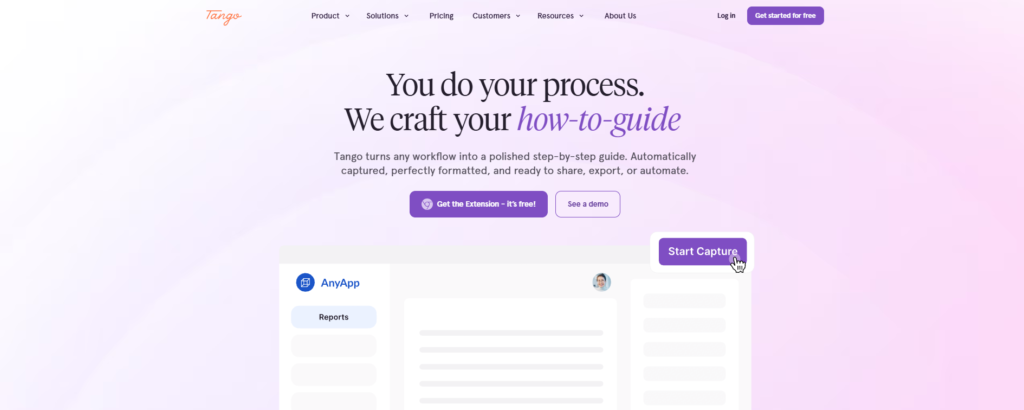
Tango helps companies improve software adoption by simplifying how they create and maintain process documentation, especially during rollouts of tools like Salesforce, Oracle, and NetSuite. Since launching in 2020, it has targeted a common pain point: documentation quickly becomes outdated as processes evolve.
The platform takes a smarter approach. Rather than spending time manually building screenshots and instructions, users just complete a task normally. Tango then generates ready-to-share step-by-step guides complete with screenshots. It works seamlessly for everyday actions like updating opportunities in Salesforce or handling approvals in NetSuite.
The platform runs as a simple browser extension. There’s no need for API connections, custom integrations, or long implementation projects.
That makes it a really practical choice for companies that want to document processes quickly across their CRM, ERP, HRIS, and procurement systems. You can get up and running without the usual headaches.
On top of that, Tango offers browser-based automation that turns repetitive tasks into clear, guided steps. Teams end up spending less time on manual work and enjoy more consistent processes overall. It’s especially handy for organizations rolling out several business systems at once and aiming to standardize everything without starting documentation from zero.
Key features include:
- No API setup or complex integrations required
- Automatic creation of step-by-step guides with screenshots
- Quick updates as processes change during a rollout
- Browser-based workflow automation for repetitive tasks
- Supports Salesforce, Oracle, NetSuite, and other enterprise applications
- Works across CRM, ERP, HRIS, and procurement systems
Trainual
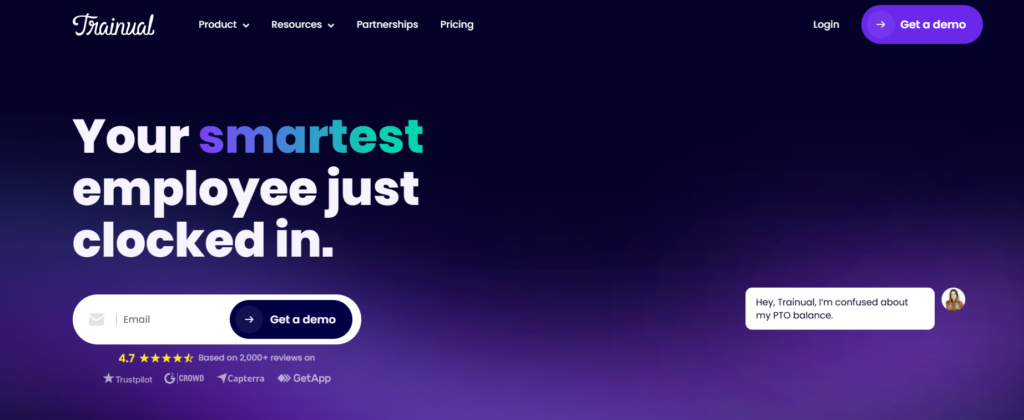
Trainual makes managing training and company knowledge a lot less painful. Rather than piecing together manuals or hunting for information, teams can document real processes, define clear standards, and ramp up new employees in less time.
The platform combines SOPs, role-based learning paths, process docs, compliance resources, and a helpful AI assistant. It lets you map out workflows as they actually happen, assign ownership, create solid onboarding programs, and maintain alignment across distributed teams.
With its assessments, tracking tools, detailed reporting, and clever AI capabilities, organizations typically see faster onboarding, improved accountability, and better long-term knowledge retention.
Key features include:
- SOP and process documentation
- Employee onboarding and training management
- Role-based learning paths
- AI-powered knowledge assistant
- Policies, handbooks, and compliance tools
- Centralized knowledge base
- Quizzes, assessments, and progress tracking
- Roles and responsibilities management
- Detailed reporting and analytics
- Integrations with HR, payroll, communication, and productivity apps
It’s especially useful for small and mid-sized organizations that want to standardize operations, improve how they onboard people, document important processes, stay compliant, and create a single reliable hub for everything their team needs to know and do.
WalkMe
One platform that’s proven especially helpful for digital transformations is WalkMe. It quietly guides users through complicated enterprise systems by placing smart overlays and instructions directly inside the software they use—Salesforce, Workday, SAP, ServiceNow, Microsoft Dynamics 365, and others. Best of all, it usually doesn’t require custom integrations for each tool.
Take a global manufacturer that’s rolling out NetSuite to thousands of employees worldwide. WalkMe provides in-the-moment help: contextual tours, clear workflows, and instant support exactly where it’s needed. Employees no longer have to leave their work to watch videos or read manuals. The guidance appears right inside the ERP system itself.
Here’s why many organizations find it so valuable:
- Cross-app workflows: Unifies systems (Salesforce, Workday, ServiceNow) for seamless end-to-end tasks.
- Adoption insights: Monitors usage, catches early friction points, and cuts support inquiries.
- Change management: Supports team productivity during rollouts, mergers, and system changes.
Whatfix
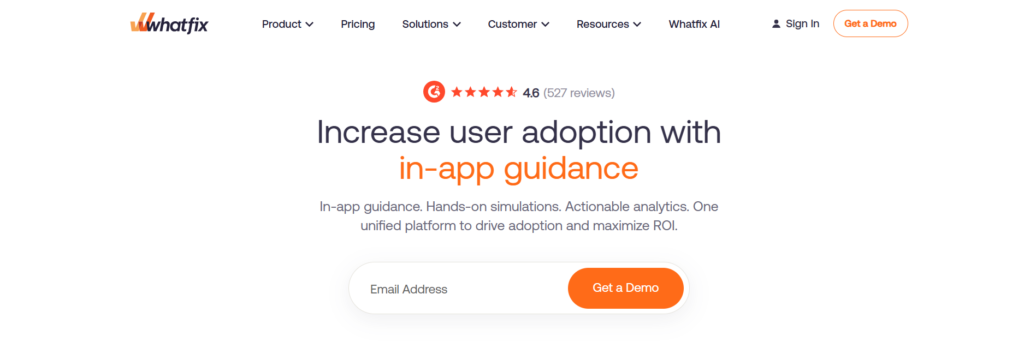
Whatfix started in 2013 with a simple but powerful concept: Userization. The idea was to move away from one-size-fits-all training and instead give people advice based on their specific role, what they’re doing, and when they actually need it.
The platform’s ScreenSense AI makes this possible. It tracks your context in the app and delivers guidance right when you need it—whether you’re opening a CRM record, logging an expense, or queuing an approval. No random pop-ups, just relevant steps at the right moment.
That’s why it works so well with major systems like Salesforce, Workday, SAP, and Oracle. It speeds up onboarding, reduces help desk calls, and is especially popular in healthcare, insurance, and financial services, where strict compliance matters and errors are expensive.
Key Features:
- ScreenSense AI detects user context and provides relevant guidance
- Supports Salesforce, Workday, SAP, Oracle, and other enterprise apps
- Userization customizes advice for role, department, and workflow stage
- Decreases support tickets by serving relevant answers inside the app
- Trusted by companies with high requirements for process compliance
Pendo
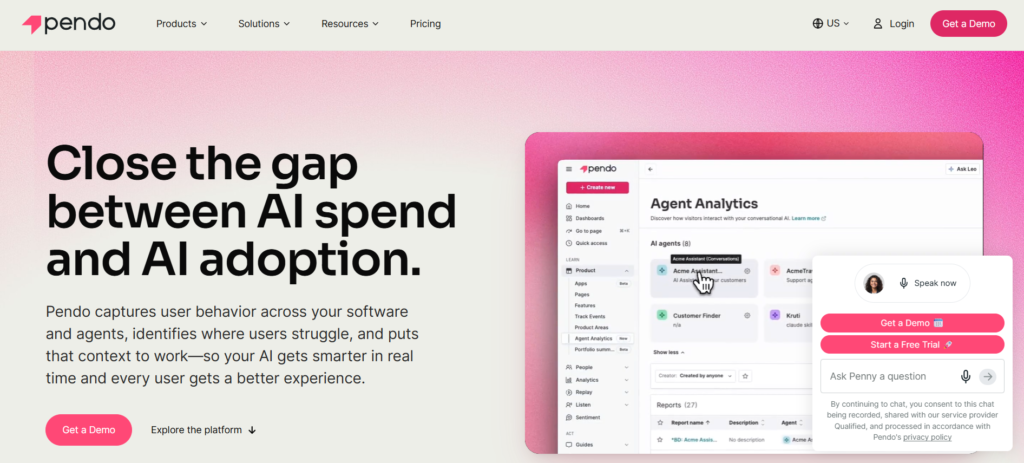
One thing that makes Pendo stand out is its thoughtful approach. Since its founding in 2013, the platform has treated adoption as a measurement challenge first, before moving into guidance.
A lot of other tools focus heavily on creating walkthroughs and tooltips. Pendo does more — it connects real usage patterns straight to business impact.
That means during a big ERP or CRM rollout, teams can actually see what’s working. They learn which features employees engage with, where processes break down, and which parts of their training aren’t hitting the mark. Because everything is grounded in real user behavior rather than guesses, the in-app support becomes far more useful and timely.
Key strengths include:
- Session replays and journey analysis that spot issues traditional training reviews often miss — like someone finishing onboarding but struggling with a key Salesforce process.
- Context-aware guides that deliver help exactly when users hit roadblocks.
- Feedback loops that track whether the guidance actually improves completion rates.
Thanks to this data-driven style, Pendo works especially well for organizations that need to prove ROI to finance teams or show clear efficiency gains from their training investments.
Guidde
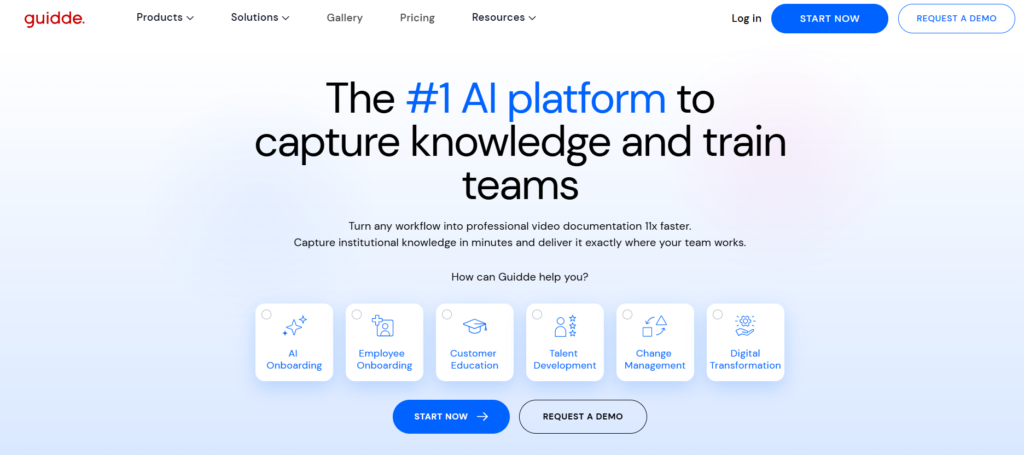
Guidde launched in 2020 as one of the first AI-powered digital adoption platforms. It was built specifically to tackle the documentation headaches that come with big enterprise software rollouts.
Creating training videos the old way — scripting, recording, and editing — can eat up days. Guidde flips that. As someone clicks through a process in Salesforce or approves a purchase order in NetSuite, it quietly records everything and instantly adds an AI voiceover, subtitles, and clear annotations.
The result is a polished, shareable video that can even be used as an in-app walkthrough.
Here’s what makes it particularly useful:
- Speed of content creation: It keeps pace with rapid ERP configuration changes, especially around go-live dates.
- Practical video guidance: Unlike plain text, videos show exactly where to click, what dropdowns mean, and how flows work.
- Embedded delivery: You can place these guides directly inside your ERP or CRM systems.
- Strong for large rollouts: Companies implementing Oracle Cloud or Microsoft Dynamics 365 can train hundreds of people across different locations in just a few days.
It’s especially helpful for employees onboarding and new software implementations.
Frequently Asked Questions
Q: How much does an employee enablement platform cost in 2026?
A: Enterprise plans range from $8,000–$50,000 annually, typically based on user count, features, and setup complexity. For 500+ users, expect $15–$40 per user monthly. Pilot programs are often available.
Q: How long until we see adoption improvements?
A: Meaningful changes appear in 30–60 days. Setup takes weeks, support tickets drop within the first month, and full optimization occurs around 90–120 days.
Q: Do these work with legacy ERP systems?
A: Yes. They use browser overlays and screen recording—not direct system access—so they work with SAP, Oracle, custom apps, and Citrix.
Q: Can we build content without an instructional design team?
A: Yes. The platform captures workflows and auto-generates guides with screenshots and AI voiceovers. Most employees can create content in about 15 minutes.
Q: What’s the typical ROI timeline?
A: Usually four to eight months. Savings from fewer tickets, faster onboarding, and improved efficiency typically cover costs within that window.
Conclusion
Most enterprise systems fail due to a lack of at-the-moment support, and the six platforms on our list offer just that. By integrating help into the apps that employees use every day, without requiring users to jump through extra hoops, these services allow you to deploy enterprise tools confidently.
While they all include in-app support, workflow automation, and analytics to track adoption, their features differ. Some focus on automatic documentation capture, others have powerful AI-driven help functionality, and still others combine usage tracking with real-time guidance.
To figure out which is right for you, start by requesting a demo of your best two contenders. Look at how well each platform’s surfaces help to employees in the moment.