
Damaged photos aren’t rare. They’re everywhere—family albums, old boxes, scanned prints that never looked right. Fixing them used to require skill, patience, and a lot of trial and error. Now it doesn’t. Today’s photo restoration tools cover a wide range of needs, from instant automatic fixes to hands-on editing. Some cost nothing. Some give you more control than you’ll ever use.
This guide breaks down six popular options and compares them based on real criteria that we consider essential: usability, output quality, pricing, and features that actually matter.
Top Tools for Old Photo Restoration Compared
We looked for tools that fit different people. Some want a simple, one-tap solution. Others need full professional control. Every choice here got rated on four points: ease of use, output quality, price, and any standout features.
This list has free apps, paid software, and everything in between. The aim is to match the tool to your project, whether it’s a fast scan cleanup or a complex restoration.
Renew Photo
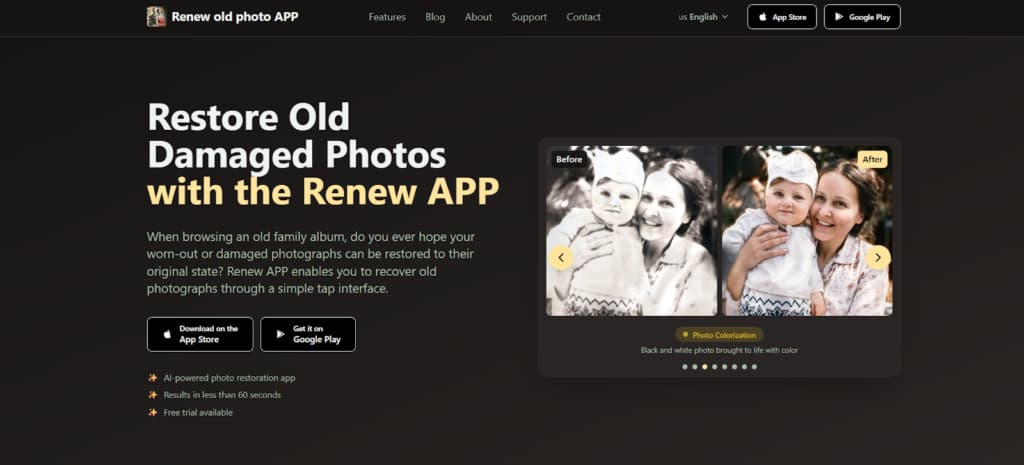
Renew Photo uses AI to restore damaged photos. It’s straightforward: you give it a picture that’s scratched, faded, or torn. The tech handles repairs—edges, cracks, monochrome tones, poor light.
One tap starts the process, and in under a minute, you get a vibrant, restored image. Great for reviving personal memories like family portraits or vintage snaps. Everything stays private and secure. No expertise required.
Key Features:
- AI restoration in one tap.
- Instant black & white colorization.
- Enhance details with HD upscaling.
- Correct over/underexposed shots.
- Seamlessly erase surface damage.
- Add subtle motion to images.
- Simple upload interface.
- Fast, free trial.
Adobe Photoshop
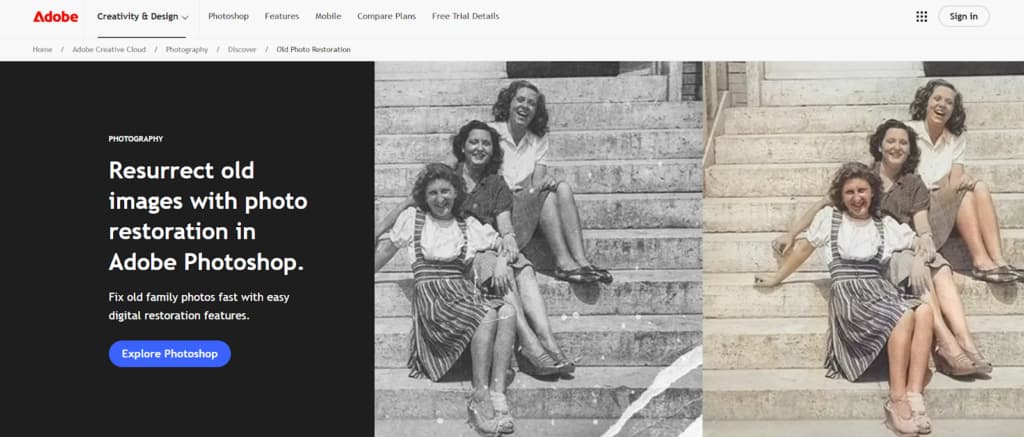
If you’re dealing with a restoration project that’s seriously complex, you need professional software. That’s Adobe Photoshop. It’s built for demanding work. The program gives you total, pixel-level control over your edits, which is essential for detailed repairs.
You’ll use tools like the Healing Brush and Clone Stamp—industry standards for a reason. The advanced neural filters also help a lot, speeding up tough tasks like colorizing old photos or fixing faces. It’s made to fit right into a professional workflow on both Windows and Mac.
Key Advantages:
- Surgical precision on demanding repairs.
- Pro-grade tools for detailed restoration.
- Smart AI filters speed up color and touch-ups.
- Expandable with plugins and tutorials.
- Fits right into creative pipelines.
PhotoGlory
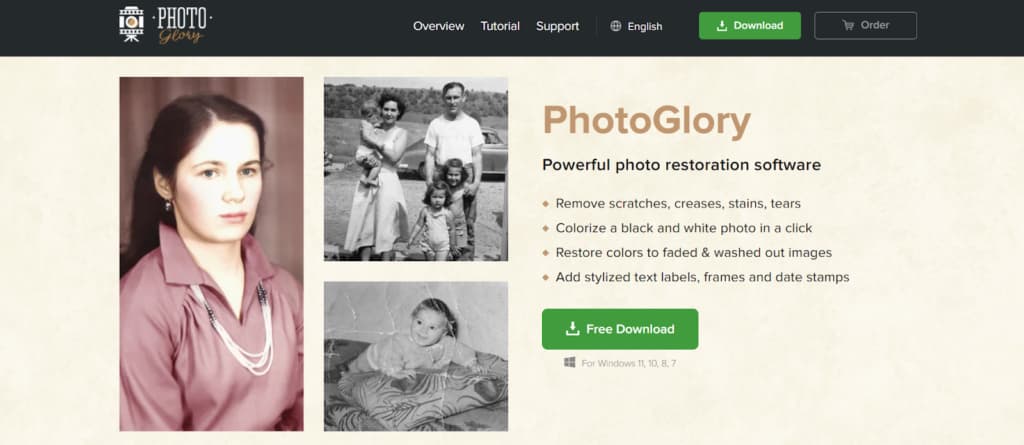
If you want to restore old photographs without dealing with complex software, PhotoGlory is a good option. It’s a Windows app made for fixing typical aging problems—scratches, dust, stains, and fading.
The interface is clean and straightforward, walking you through the restoration. It uses one-click fixes and AI for automatic scratch removal and photo colorization. You get high-quality results without the learning curve of professional tools.
Key Advantages:
- Focus on old photos: Built exclusively for restoration.
- Smart, instant repairs: Single-click AI for damage removal.
- Intuitive design: Simple, guided user interface.
- Integrated features: Face editing, colorization, and flaw correction.
- Fast results: Streamlined for quick, effective fixes.
PhotoBooth
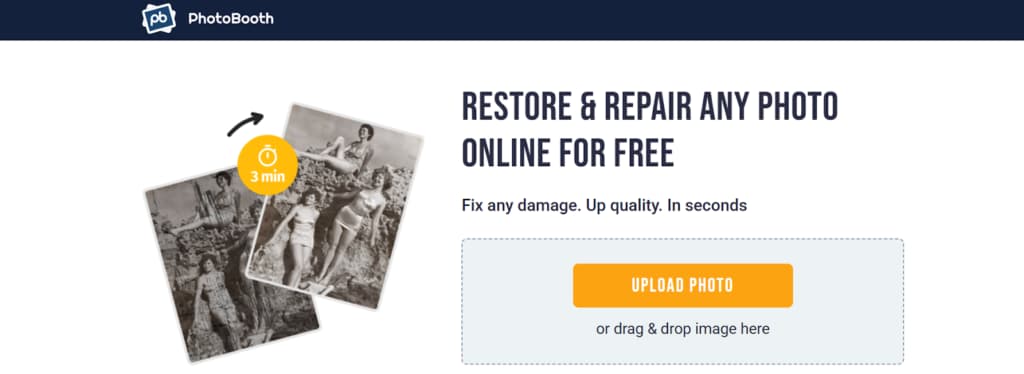
You can restore damaged photos instantly with PhotoBooth, a free online tool. It works in your browser and is built to be straightforward and quick. Upload a photo with problems such as tears, scratches, or fading.
The AI scans and fixes the image pixel by pixel—sharpening details, adjusting colors, and removing flaws. In seconds, you’ll have a high-quality, restored photo to download for free. No installation required.
Key Advantages:
- Completely free to use, no fees or limits.
- Results in minutes, not days.
- AI handles major damage like tears, mold, and stains.
- Your photos stay private; nothing is stored.
- Automatically enhances clarity, faces, and color.
- Nothing to install—works in your browser.
Vance AI Photo Restorer
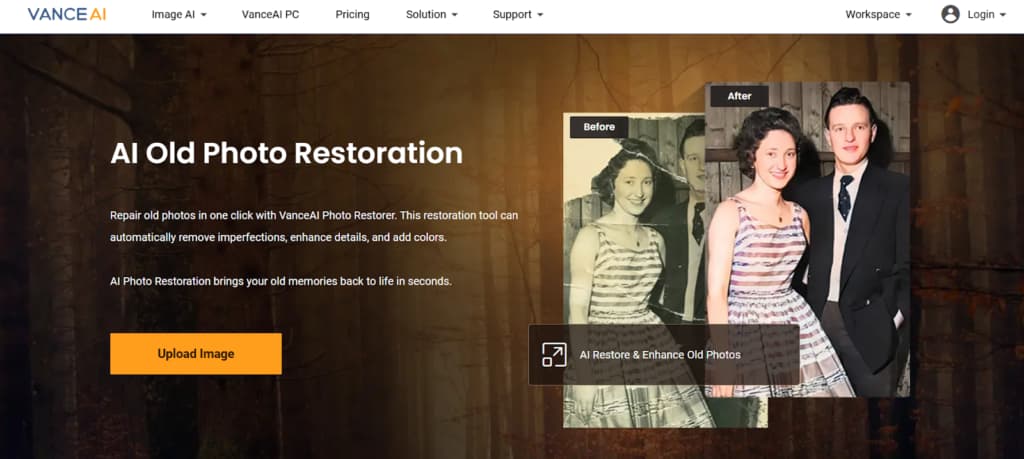
Vance AI Photo Restorer is an online tool that uses machine learning to quickly restore old photos. You use it in your browser—just upload a scan. The AI automatically fixes common problems like scratches, digital noise, and minor blur.
It also offers extra options for face enhancement and colorization. It’s a streamlined way to get presentable, quality results without a lot of time or specialized hardware.
Key Advantages:
- Fast AI fix with minimal input required.
- Works in your browser — no install or advanced PC.
- All-in-one tool with optional upscaling and colorization.
- Targets common flaws like scratches and noise.
- Built for speed, not for deep manual edits.
MyHeritage
MyHeritage is a genealogy-focused platform that offers surprisingly accessible and user-friendly photo restoration tools alongside its family history services. Its strength lies in delivering quick, satisfying results with minimal effort—letting you enhance, colorize, and repair old photos in just a few clicks directly on the web or via mobile apps.
While not as powerful as dedicated professional software, it provides a remarkably fast and convenient way to breathe new life into family images for its core audience.
Key Advantages:
- Exceptional Simplicity: Intuitive, click-driven tools make enhancing color and sharpness accessible to anyone, regardless of skill level.
- Fast Processing: Delivers most restored photos in about 30 seconds with minimal wait time.
- Cross-Platform Convenience: Accessible via the web and dedicated mobile apps (iOS/Android) for use across all devices.
- Affordable Value: Offers a generous 14-day free trial and is priced as one of the most budget-friendly options in the industry with its subscription.
Conclusion
Picking the right photo restoration tool comes down to what you need. For quick fixes on a phone, try something like Renew Photo or MyHeritage—they’re fast and simple. If you want a free option, use PhotoBooth. On a Windows PC, PhotoGlory gives you more control without professional complexity. For high-quality online restoration, Vance AI is solid. And for total professional control, nothing beats Adobe Photoshop.
Modern AI powers all these tools, making the restoration process much simpler. Whether you’re just starting out or have experience, you can get good results. The first step is to figure out what you need: consider your budget, desired quality, and skill level. Then, refer to this list to select the tool that fits your needs.
Two More Tools to Consider
The tools above cover most mainstream restoration scenarios, but there are a couple of additional apps worth mentioning for users whose needs fall slightly outside the usual “fix and enhance” workflow.
RetroFix
RetroFix is a mobile-focused restoration app that puts its emphasis on deeper repair rather than quick cosmetic cleanup. It’s designed for photos that show real age—heavy scratches, faded faces, uneven lighting, and loss of fine detail. The AI works to reconstruct damaged areas, especially facial features, before sharpening or enhancing the image.
While the interface stays simple, the results tend to be more restoration-oriented than many one-tap apps. RetroFix also includes photo animation as an optional step after restoration, allowing users to bring subtle movement to repaired images.
It’s best suited for users who want strong restoration results on damaged photos, without moving to complex desktop software. More information is available at https://retrofix.app.
Yore
Yore approaches photo restoration from a more creative angle. It can restore and enhance old photos, but its defining feature is the ability to combine two separate images into one. This makes it useful for reconstructing missing parts of a photo or creating new compositions from historical images that were never captured together.
In addition to restoration and photo combining, Yore supports photo animation, making it a flexible tool for users who want more than traditional repair. It’s less about strict technical correction and more about rebuilding memories in a visually engaging way.
Yore works well for users interested in restoration plus creative AI features. You can learn more at https://yoreapp.website.
In short:
Renew and MyHeritage focus on speed and simplicity. PhotoGlory and Photoshop provide control. RetroFix leans into serious restoration on mobile, while Yore blends restoration with creative reconstruction. Together, they round out the landscape of modern photo restoration tools for 2026.